


🚀 Troubleshooting Slow VPN Connection
Is your VPN connection slower than usual? Don’t worry, follow these simple steps and provide the necessary screenshots to help us resolve the issue quickly.
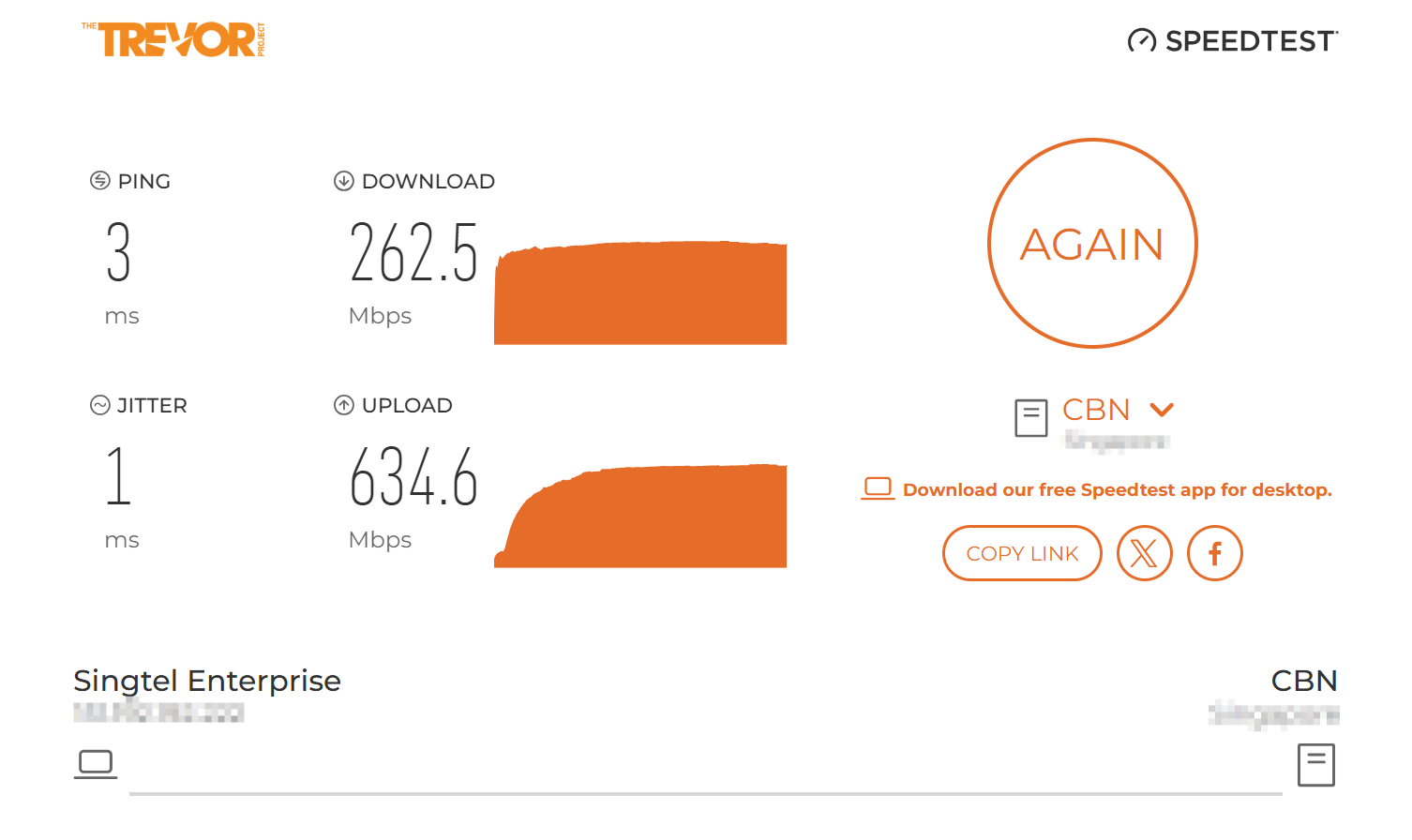
1️⃣ Test Your Local Network Speed (Before Connecting to VPN)
-
Run a speed test and screenshot the results.
2️⃣ Capture VPN Client Bar Graph
-
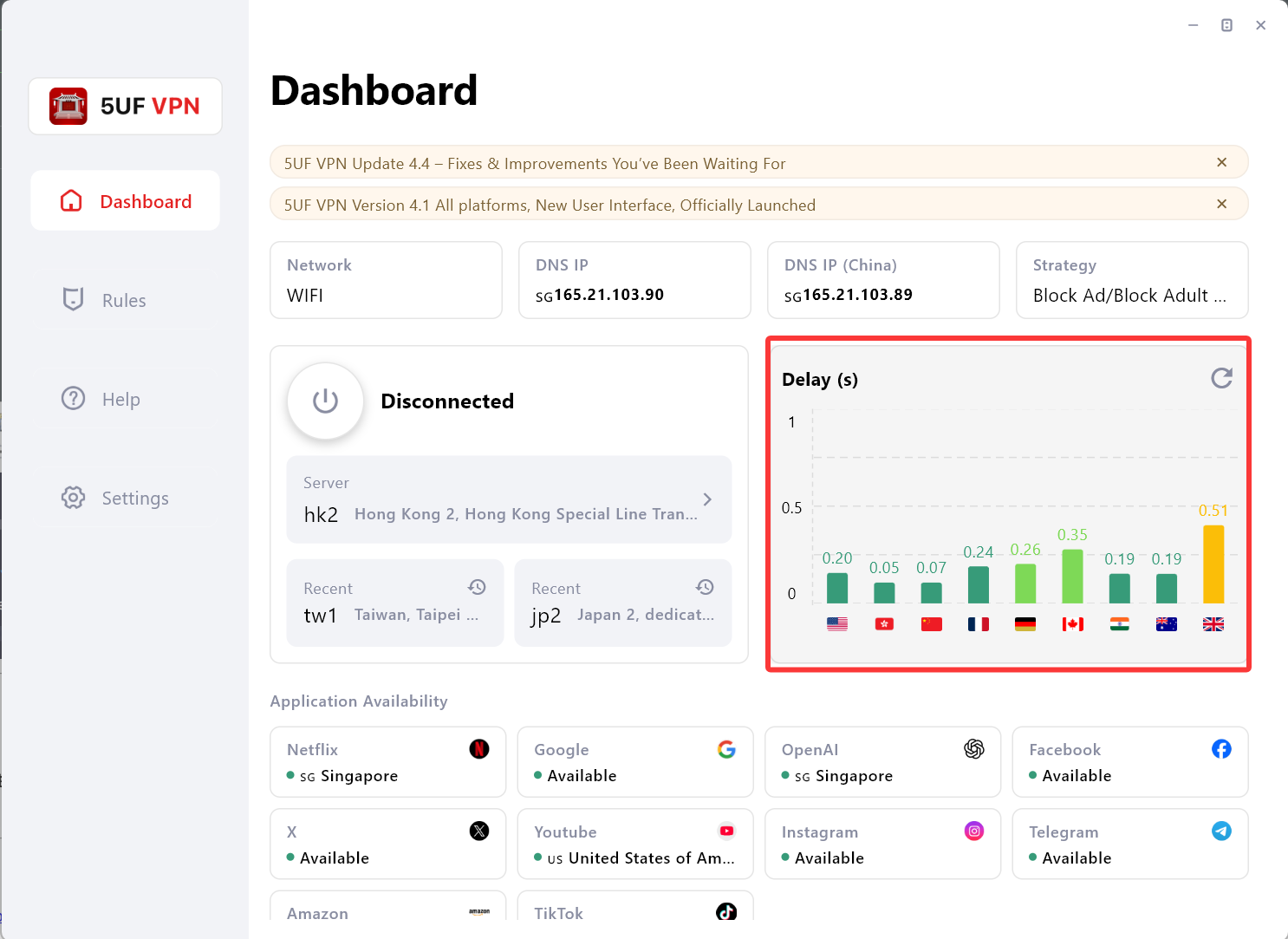
Open your VPN client.
-
Find the Bar Graph showing your connection quality.
-
Take a screenshot of the Bar Graph.
3️⃣ Test Speed for Different VPN Servers
Test the following VPN nodes one by one:
-
HK8
-
HK5
-
JP1
For each node:
-
Connect to the VPN node (HK8 / HK5 / JP1).
-
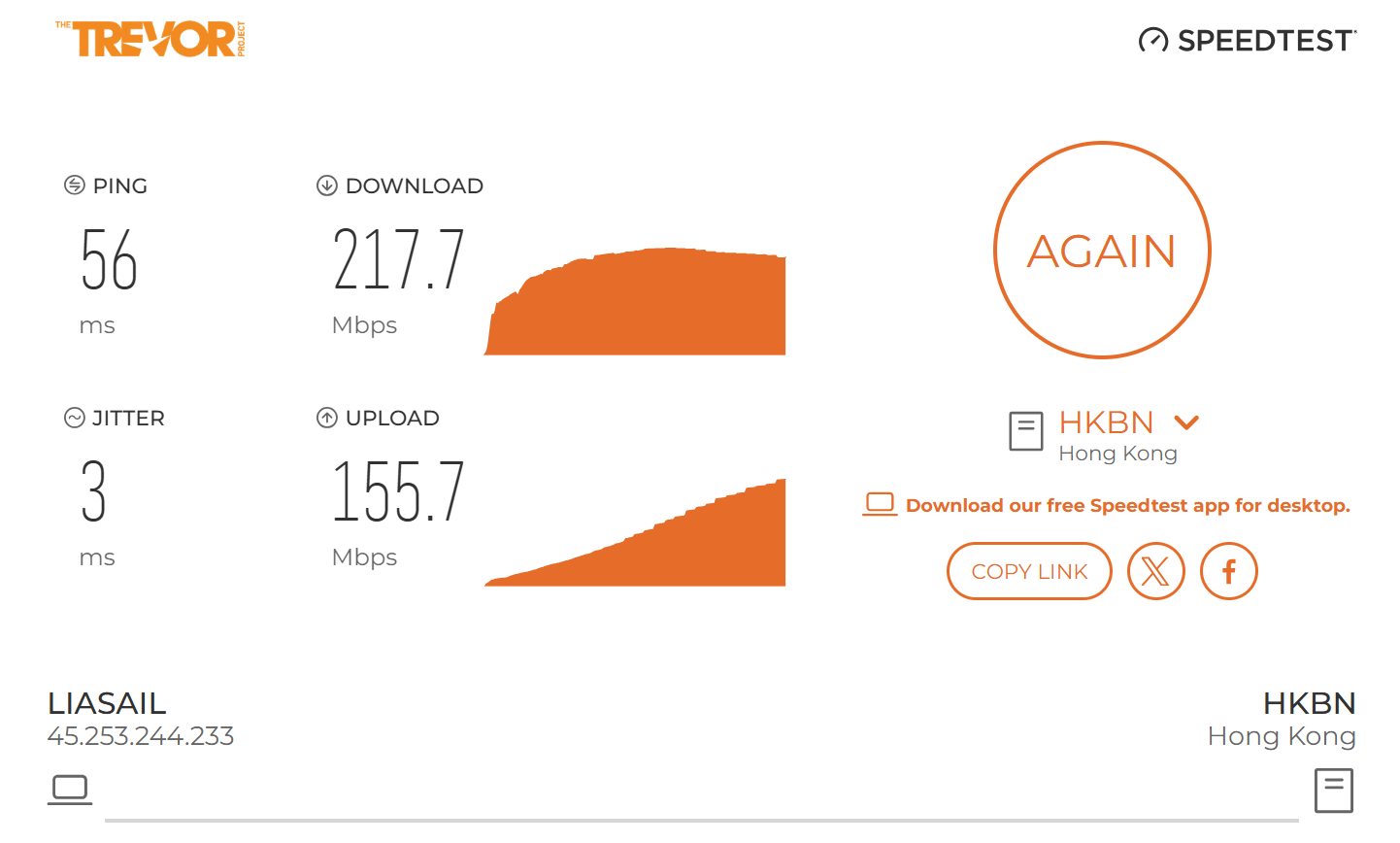
Visit https://trevor.speedtestcustom.com/ and run a speed test.
-
Take a screenshot of the speed test results.
-
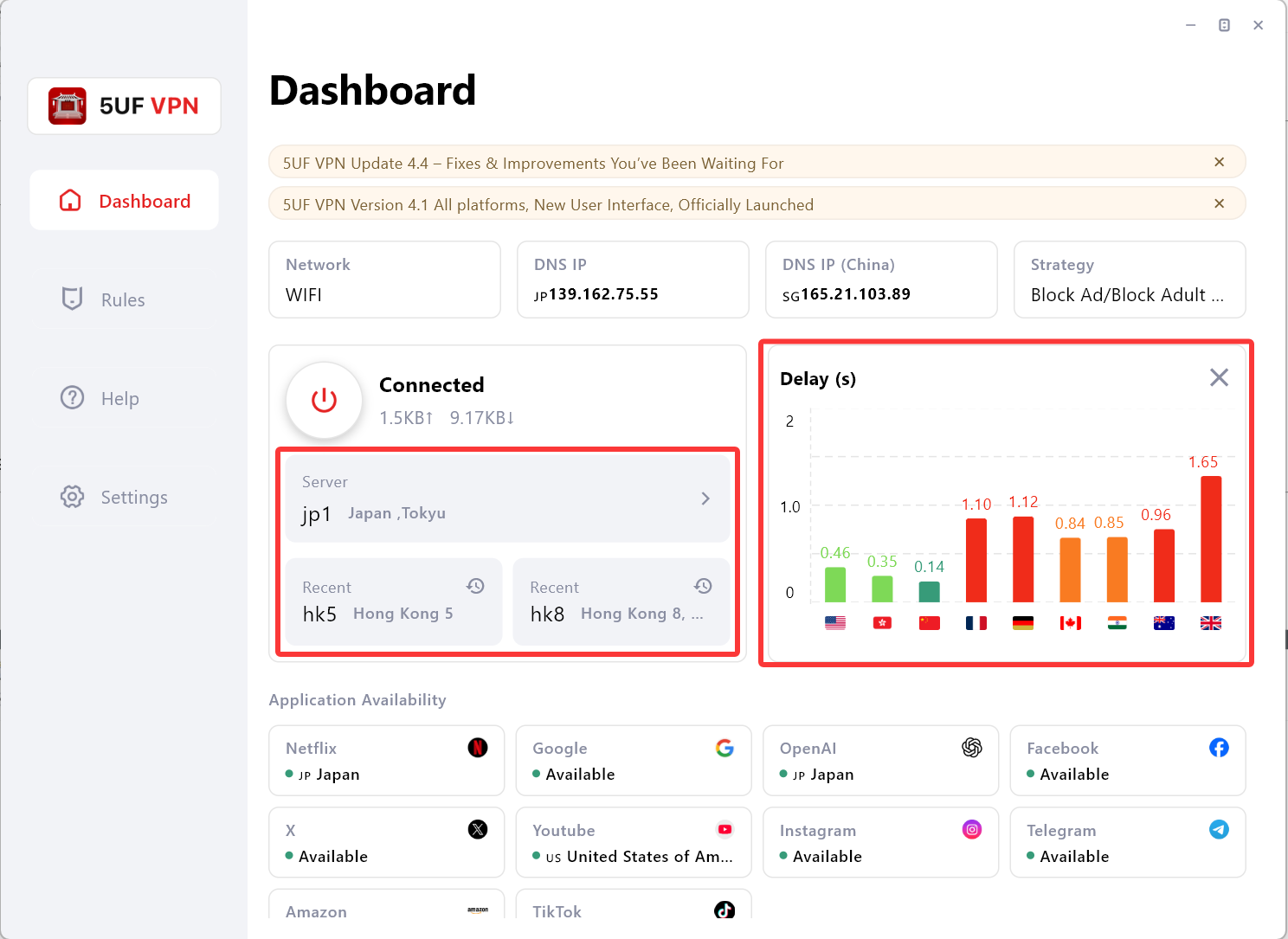
Return to your VPN client and capture the Bar Graph for the connected node.
4️⃣ Submit Your Screenshots to Customer Support
Once you’ve completed the above steps, please send the following to customer support:
-
Local Network Speed Test Screenshot (before connecting to the VPN).
-
Speed Test Screenshots for each VPN node (HK8, HK5, JP1).
-
Bar Graph Screenshots from your VPN client for each node.
📩 Once we receive your screenshots, we’ll analyze the data and assist you in improving your VPN connection speed.