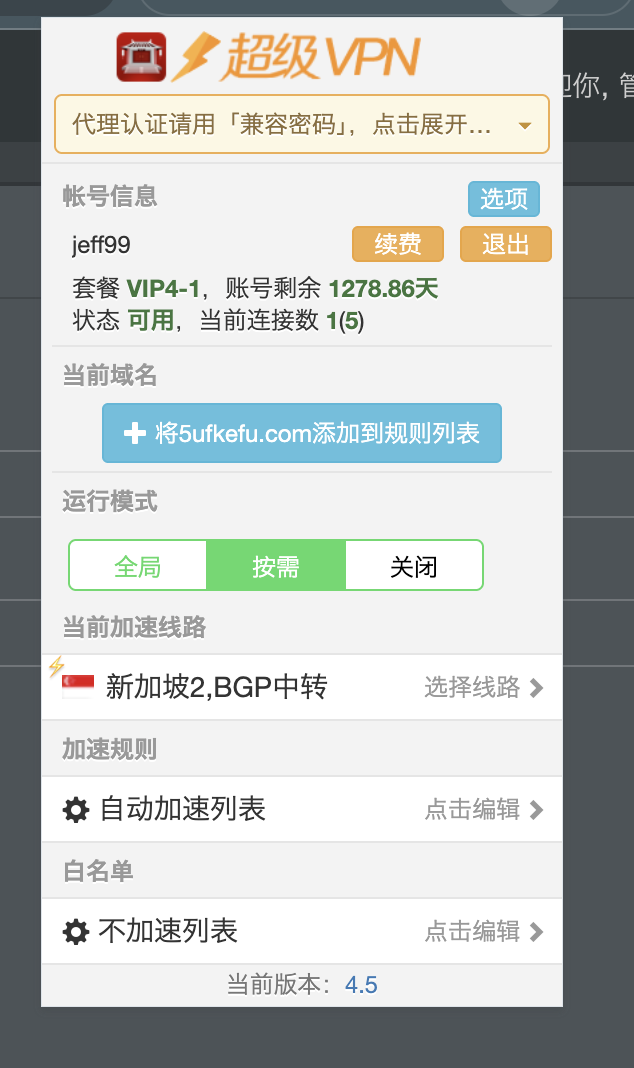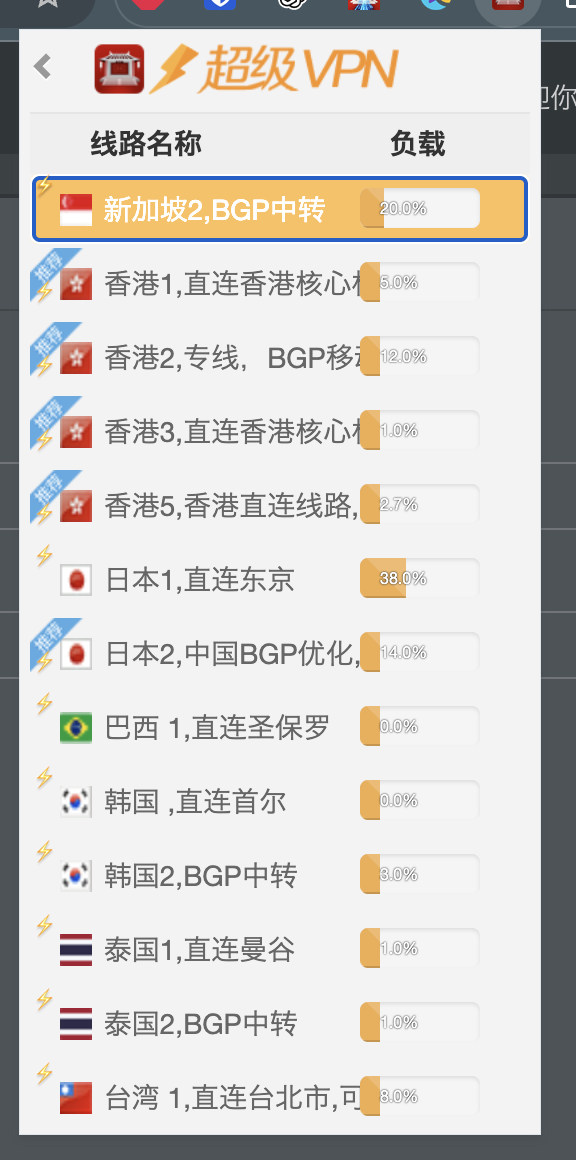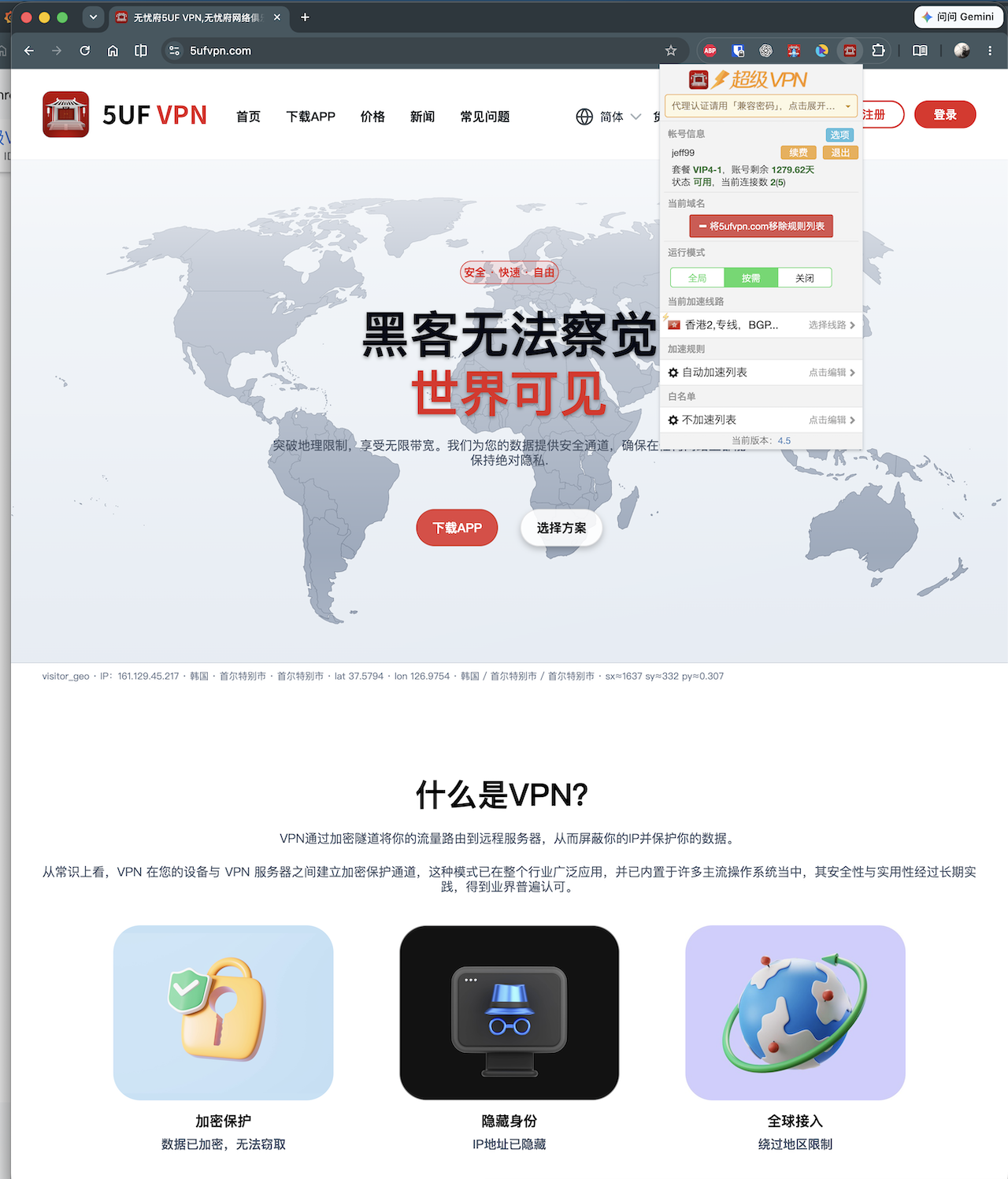


Our Super VPN (Chrome / Edge browser extension) has received a major update to v4.5.
Please upgrade all installations to 4.5 or newer as soon as possible. Older versions no longer have supported servers and will not connect normally. This is a required upgrade, not an optional one.
What's new in this release:
1. New protocol support
A new authentication method lets you gradually move away from the legacy compatibility password. After signing in, you can switch servers without re-entering your username and password, for a more seamless experience.
2. UI improvements
The interface is cleaner and more compact, with better layout across different display resolutions.
How to update
• Installed from the Chrome Web Store: Chrome usually auto-updates in the background. You can also openchrome://extensions, enable Developer mode, and confirm the version is 4.5 or newer.
• Previously installed manually (e.g. Load unpacked): auto-update usually does not apply—please reinstall / replace with the latest package manually.
• Microsoft Edge users: the Microsoft Edge Add-ons store listing is still under review. For now, install or update to 4.5 from the Google Chrome Web Store (Edge can use Chrome Web Store extensions).
If issues persist after updating, try signing in again, or contact support with your browser and extension version.