


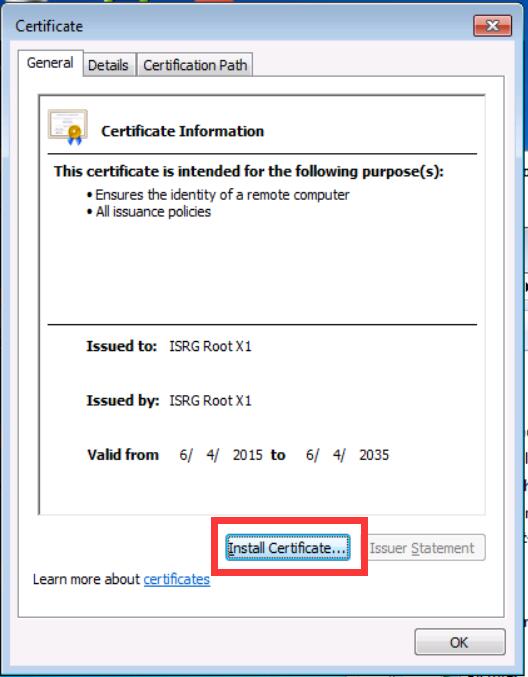
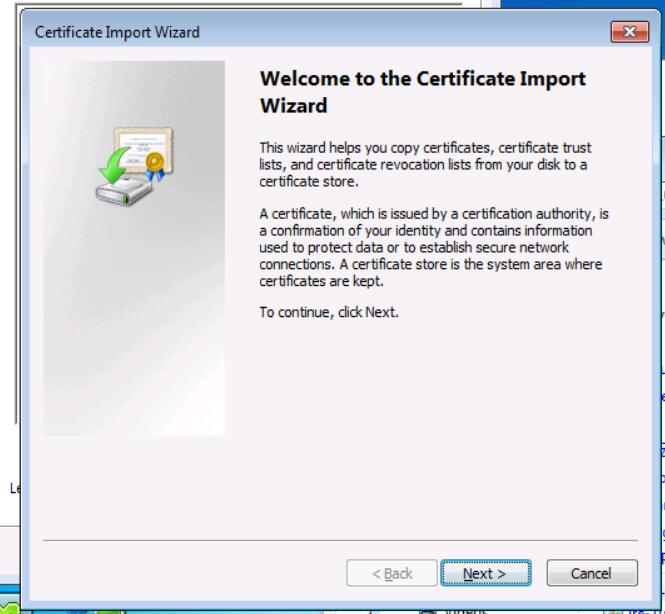
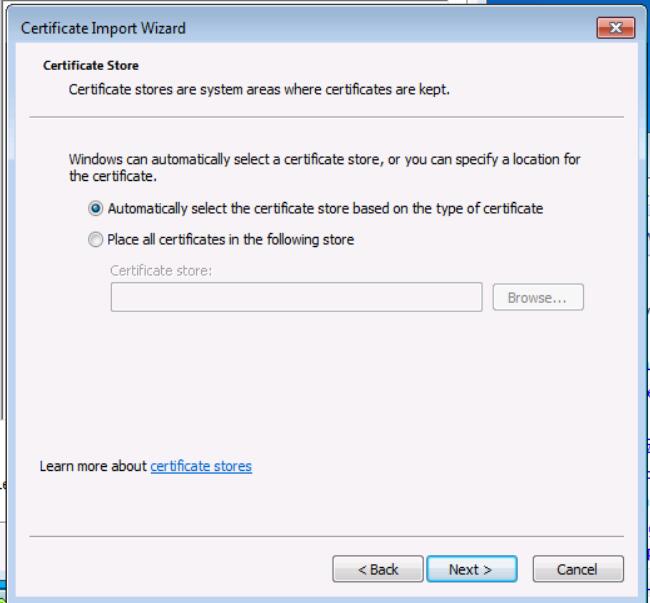
Download the root certificate file ISRG_ROOT_X1.cer, double click on it, click on "Import Certificate" and keep going through the next steps.
Published: Jul 12, 2021 17:51
Simplified and Traditional Chinese versions are also available — click a language below:




Copyright 2008-2026 © 5UF PTE. LTD. All rights reserved.


